
SAFETY / DASHCAMDriver alert received
ALERTVehicle and event time available for follow-up
Explore the T98 AI 2+1 dashcam, PT06 Lite and PS10C GPS trackers, and the CLS2-RS485 fuel sensor. Connect available device signals to the vehicle and trip context your teams need.
Integrations are scoped around compatible devices, available data and your operating workflows.
See the device categories and event types that can be included in an integration discussion. The exact signals depend on the device, installation and configured data feed.

Bring camera-based safety events into an operational view. Review an alert with its event time, vehicle and available video evidence, then follow up with the right team.
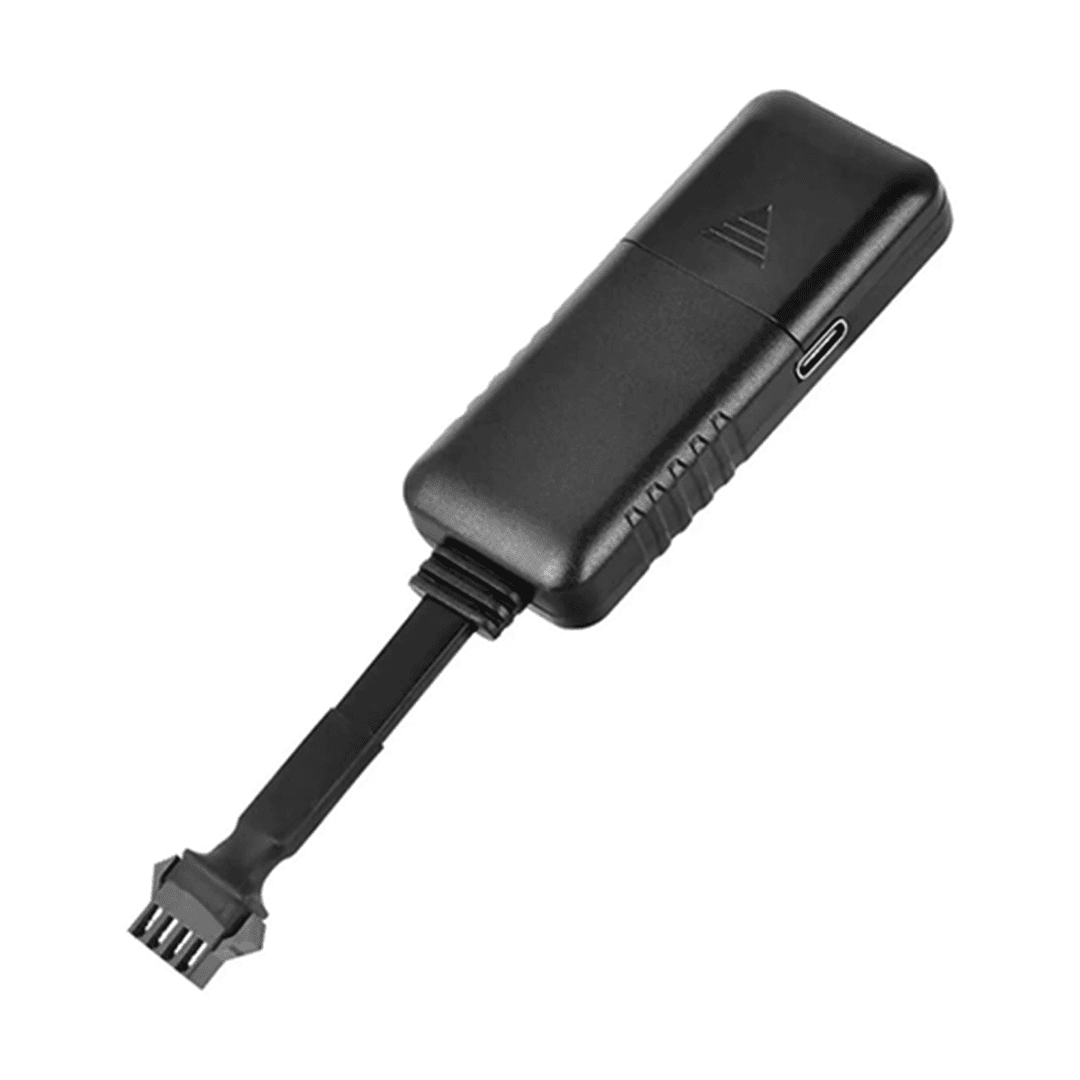
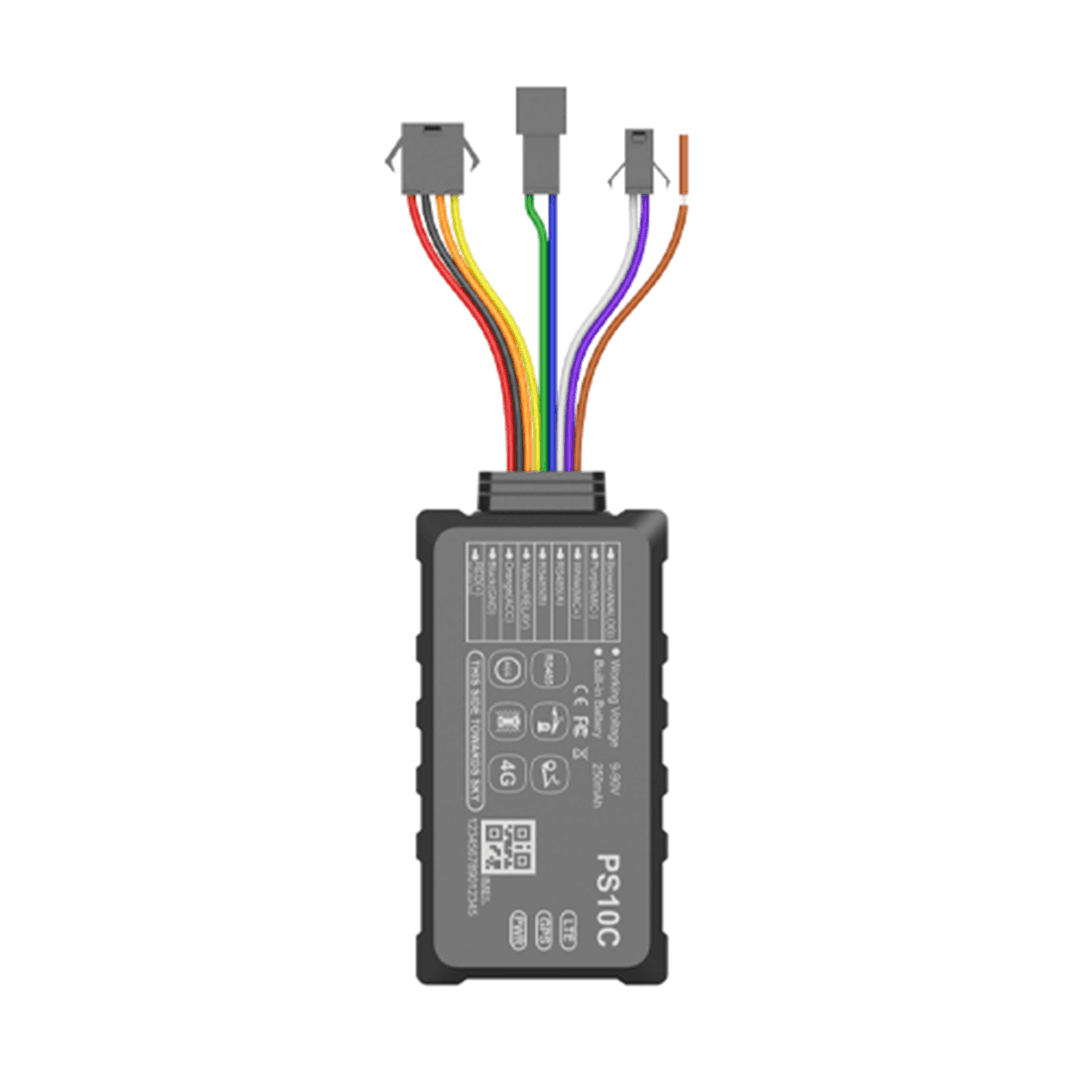
See vehicle movement alongside trips and shipments. Use location and device events to help teams respond to route changes, emergency signals and vehicle status.
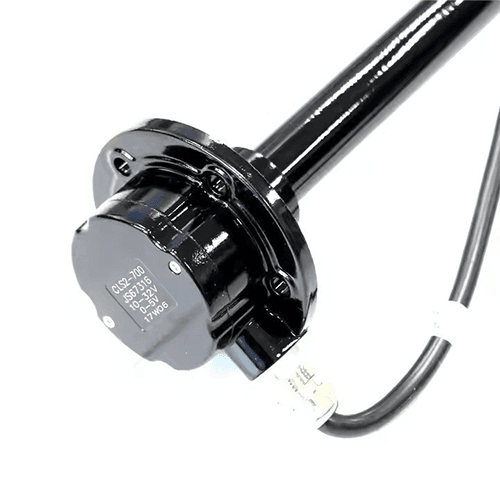
Connect compatible fuel-sensor readings with vehicle and trip context to help identify unusual fuel-level changes and focus investigation where it is needed.
API Integrations for Logistics, Document Management and Business Verification.
LogisticCube connects with supported third-party APIs to help transport companies streamline e-way bill documentation, GSTIN verification, PAN validation, driving licence checks, vehicle registration verification and bank account validation within everyday transport workflows.
Connect shipment and vehicle details with supported e-way bill workflows to reduce repeat entry and keep transport documentation together.
Verify GSTIN details through the configured service and use available business information when setting up or checking a party record.
Connect PAN checks to relevant onboarding or record-verification workflows, subject to the selected provider and required authorization.
Check available driving-licence details through a configured API to support driver onboarding and document review.
Connect vehicle registration checks with fleet records to help teams review vehicle identity and available registration details.
Use available account-validation responses to support beneficiary checks before relevant vendor, broker or driver settlements.
API availability and supported actions depend on provider access, credentials, consent, applicable rules and the integration scope. Verification responses should be reviewed before operational use.
A device alert is most useful when teams can relate it to a vehicle and trip. Review how available device data can support your fleet workflows and integration scope.
Explore the connected platformVehicle and event time available for follow-up
Location and ignition status from connected device
Sensor event available for operational review
Ask for a recorded walkthrough, where available, or a live session tailored to your workflow and device setup. We can focus the conversation on one integration at a time.
Walk through how SOS, collision or driver-safety events can be reviewed with the available vehicle and trip context.
Request this walkthroughReview live vehicle location, trip status, ignition events and supported SOS or theft-related alerts.
Request this walkthroughSee how fuel-level readings and unusual drops can be surfaced for review, subject to sensor compatibility and configuration.
Request this walkthroughRecorded video availability varies by capability. These cards are walkthrough topics, not embedded recordings.
Share your device types, current process and the events you want teams to act on.